Instagram Reels have become a central hub for discovering viral music, trending audio hooks, sound effects, and motivational voiceovers. Content creators, choreographers, and video editors regularly find catchy sound bites that inspire their own creative projects. However, saving the exact audio track from a public Reel so that it can be reviewed offline often seems challenging.
Many third-party sites promise separate audio conversions but deliver broken files, corrupted sound channels, or low-bitrate recordings. In this guide, we examine the cleanest and most reliable method to download public Reels with their original soundtrack completely preserved using SSSInsta.

How Instagram Packages Audio Inside Reel Videos
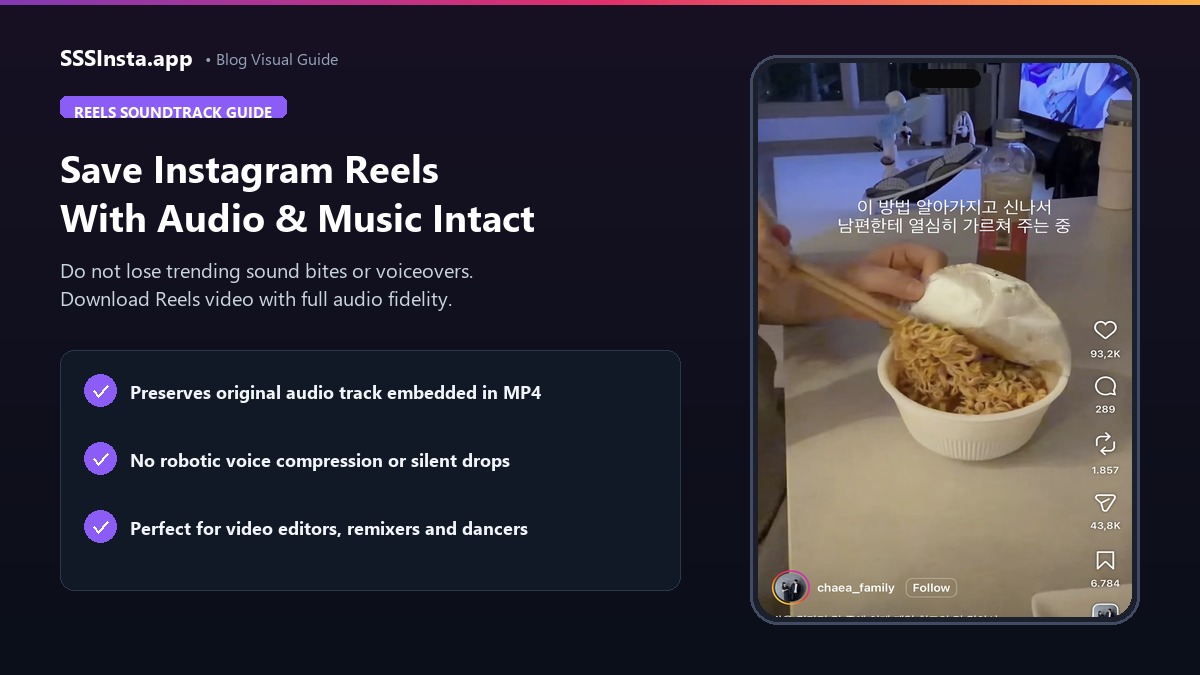
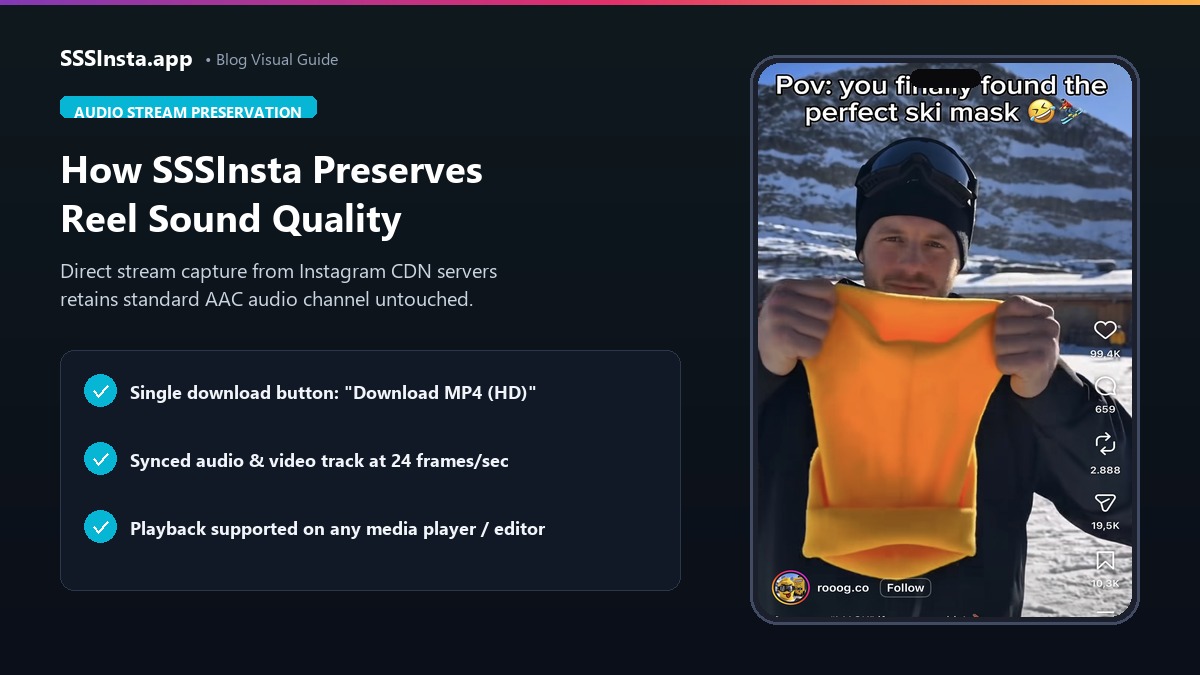
When an account uploads an Instagram Reel with background music or recorded dialogue, the platform encodes the video and audio together into a standard MP4 multimedia container. The audio track is stored as an integrated AAC audio channel running in perfect synchronization with the visual frames.
Some external tools attempt to re-encode or split this stream during download. That frequently causes muffled sound, clipped voiceovers, or complete audio loss. To maintain pristine sound quality, the optimal strategy is downloading the intact MP4 video clip via an Instagram Reels video downloader. This approach ensures that both the visual sequence and the original stereo audio channel arrive intact on your device.
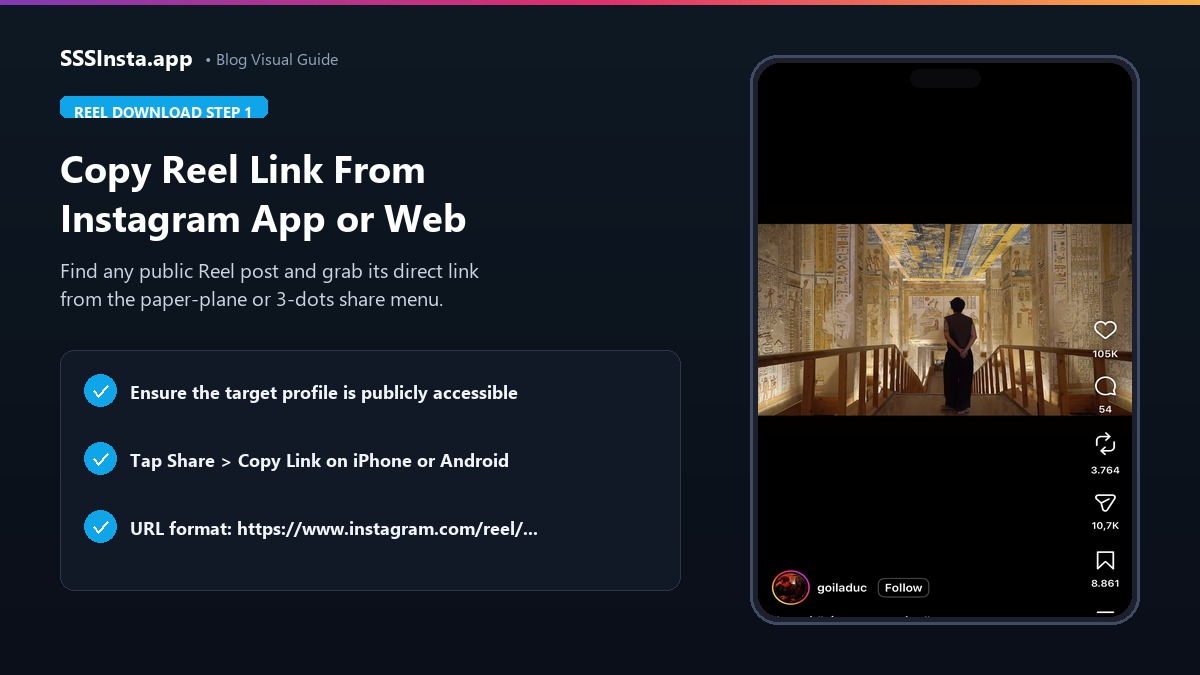
Step 1: Identify the Reel and Copy the Direct Link
To begin, ensure that the Reel you want to save is published on a public account. Private videos cannot be retrieved by external web tools. Once verified, follow these simple steps to retrieve the share link:
- Open the Instagram app on your smartphone or load the desktop website in your browser.
- Navigate to the Reel that features the audio track or musical hook you want to archive.
- Look at the bottom of the Reel screen to confirm the audio title or creator sound label.
- Tap the paper-plane share icon and select the Copy Link option.
- The complete URL starting with instagram.com/reel/ is now copied to your clipboard.
Step 2: Process the Reel Link Through SSSInsta
Next, use your web browser to access SSSInsta without downloading any specialized phone applications or software packages:
- Open your preferred web browser on your phone or computer.
- Navigate to SSSInsta and paste the copied Reel URL into the search field.
- Click or tap the Download button to start fetching the media information.
- The system communicates with public server endpoints to locate the matching video stream.
Step 3: Save the High-Definition Media File
When processing completes, the platform generates a direct download button for the media clip. By clicking the single download option, you obtain the complete MP4 file containing the synchronized original soundtrack.
- Tap the Download MP4 (HD) button to save the video file directly to your device storage.
- On mobile phones, open your default media player to confirm that the sound plays clearly at normal volume levels.
- If you need to access only the sound for video editing or choreography practice, you can import the downloaded MP4 file directly into popular mobile video editors such as CapCut, InShot, or Premiere Rush. These applications automatically extract the audio layer onto your editing timeline.
Building an Offline Audio and Inspiration Library
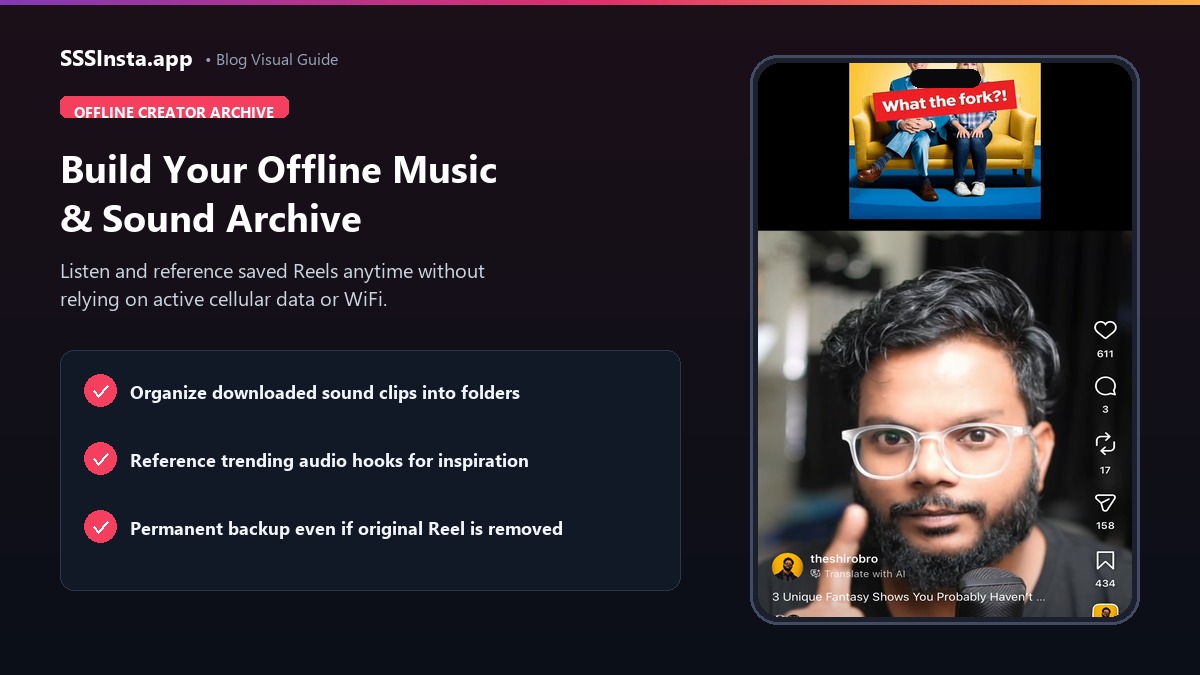
Content creators frequently gather audio ideas over time before writing video scripts or planning choreography. Having local copies of sound clips offers significant advantages:
- Instant Offline Access: You can practice choreography, review musical cues, or rehearse voice timings without consuming mobile cellular data.
- Protection Against Removals: Trending sounds and popular background songs are occasionally muted or removed from Instagram due to regional licensing adjustments. Having an archived local copy ensures you never lose access to your reference material.
- Clean Editing Integration: Modern video editing software accepts MP4 containers seamlessly. This allows you to mute the video track and utilize the sound clip as an audio guide.
Effective Storage Tips for Large Audio Collections
As your reference library grows, video files can consume meaningful storage space on your smartphone or hard drive. To optimize storage, consider renaming each downloaded Reel with descriptive tags such as the tempo, genre, or mood of the song. You can also back up your collection to an external hard drive or secure cloud storage service.
This tagging practice allows you to search and find specific musical transitions or sound effects in seconds when preparing future content.
Creative Fair Use and Copyright Considerations
While collecting public Reels for personal reference, study, or offline enjoyment is standard practice, re-using audio tracks commercially requires caution:
- Original voiceovers and spoken dialogue belong to the creator who recorded them. If referencing their commentary, always give clear attribution.
- Commercially licensed pop music included in Reels remains subject to copyright law. Using those tracks in commercial advertisements without proper licensing can result in copyright claims.
- Use downloaded audio tracks primarily as creative inspiration, practice benchmarks, or educational case studies.
By relying on direct MP4 extraction, you preserve both the visual context and the pristine audio quality of your favorite public Instagram Reels.