How to Download Instagram Videos in 3 Steps
-
Step 1: Copy Post Link
Open Instagram, find the video or photo post, tap the Share icon, and select Copy Link.
-
Step 2: Paste into SSSInsta
Paste the copied URL into the search box above and click the Download button.
-
Step 3: Save to Device
Select the extracted MP4 video or JPG photo to save the file directly to your storage.
Key Advantages of SSSInsta
No Account Required
Download videos directly without Instagram login, password, or account sign-up.
Reels And Photos Supported
Save public Reels and single photo posts. Stories, IGTV, and carousel posts have not been confirmed here.
Quality Follows The Source
The saved file is the one Instagram serves for the post, so quality follows the original upload.
Direct From Instagram
The download link points to Instagram's own CDN, so you get the file Instagram serves for the post.
Works In Your Browser
Runs in the browser, so the steps match on a phone or a computer.
No Payment Step
There is no payment or account step.
Online Instagram Downloader
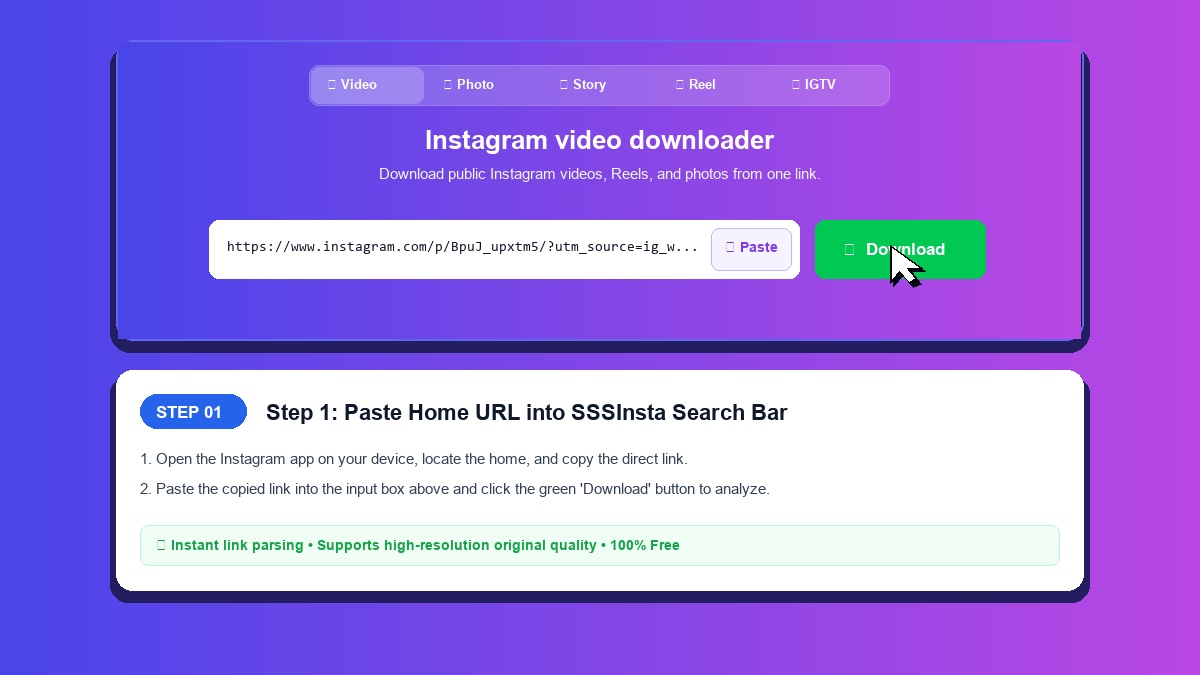
SSSInsta is an Instagram video downloader that saves public videos, Reels, and photos to your phone or computer, and runs in your browser with no app installation required.
Supported Content Types
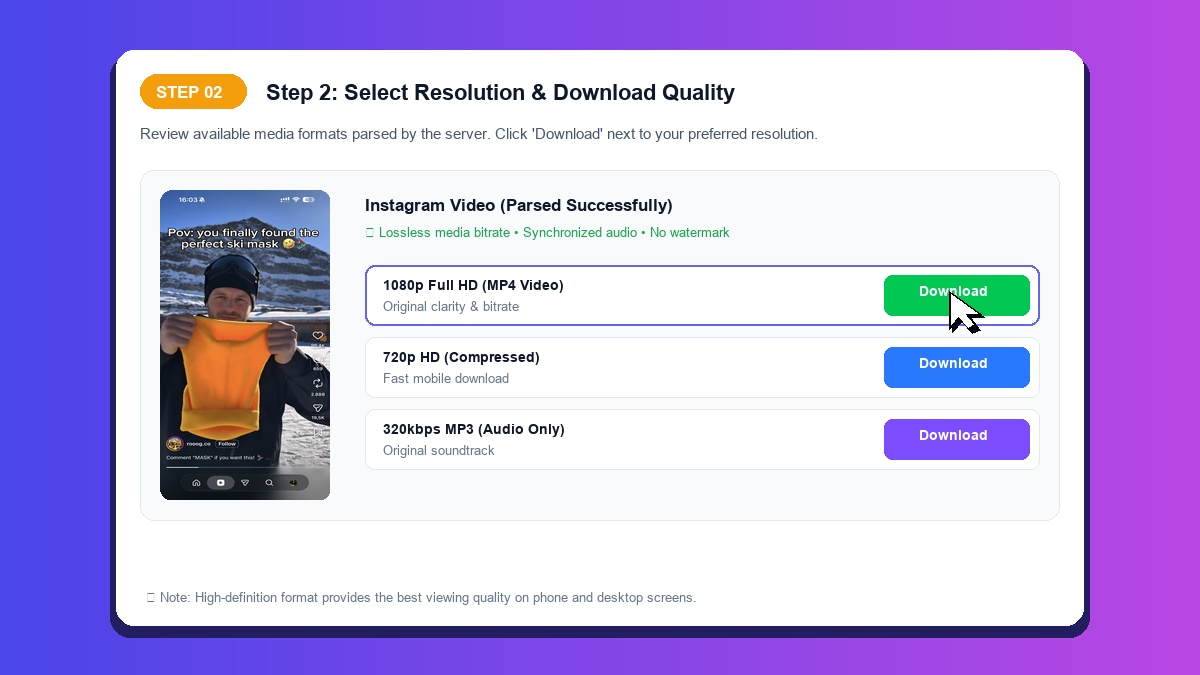
- Video Posts: Download standard Instagram videos as MP4 files (checked on a Reel).
- Instagram Reels: Download Instagram Reels, which are short vertical clips, as MP4 files.
- Stories and Highlights: Story and Highlight links go into the same box, but they have not been confirmed here, so results may vary.
- Photos and Carousels: Save single photo posts as JPEG images at the size Instagram stores. Carousel posts have not been confirmed here.
How to Save Media on iPhone, Android, and PC
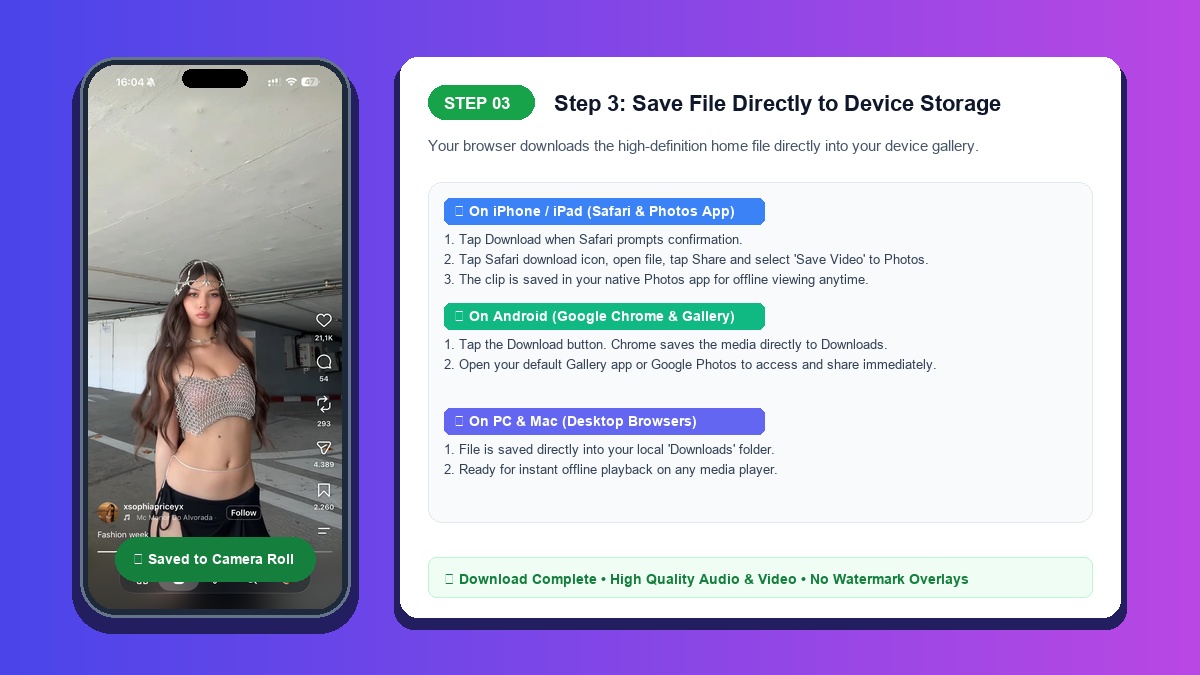
On iPhone and iPad: Open your browser, paste the post link into SSSInsta, and tap Download. Where the file lands depends on the browser.
On Android: The same steps apply. If the file is hard to find, check the browser's downloads list.
On Desktop (PC & Mac): Paste the link in a browser and click Download to save the file to your computer.
Explore Specialized Instagram Download Tools
In addition to standard video saving, SSSInsta provides tailored tools for each content format:
- Instagram Reels Downloader: Save trending vertical short clips as MP4 files.
- Instagram Story Downloader: Paste a public Story or Highlight link. Story downloads have not been confirmed here.
- Instagram Photo Downloader: Extract single images at the size Instagram stores. Carousel albums have not been confirmed here.
- Instagram IGTV Downloader: Paste a public IGTV link to try saving a long-form video. IGTV has not been confirmed here.