How to Download Instagram Reels in 3 Steps
-
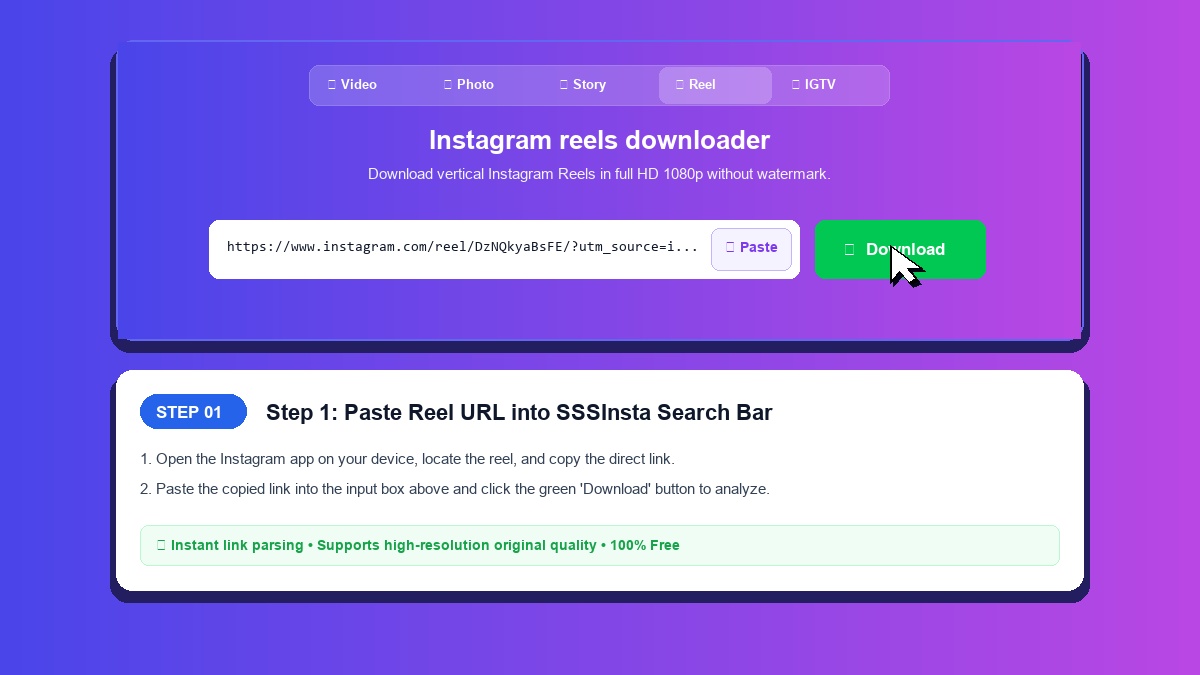
Step 1: Copy Reel Link
Find the Reel on Instagram, tap the Share icon, and select Copy Link.
-
Step 2: Paste URL into SSSInsta
Insert the Reel link into the input field above and click Download.
-
Step 3: Download Reels Video as MP4
Click Download to save the vertical MP4 video to your device.
Key Advantages of SSSInsta Reels Downloader
Direct From Instagram
The download link points to Instagram's own CDN, so you get the file Instagram serves for that Reel.
Vertical MP4 Video
Saves the Reel as a vertical MP4 clip at the quality Instagram stored for that post.
Full-Length Clips
In our test, the saved MP4 covered the whole Reel, start to finish.
No Sign-Up Needed
Download Reels without signing in, registering, or paying fees.
Phone or Computer
Runs in the browser on iOS, Android, Windows, and macOS.
Fast Link Processing
Extracts direct media streams and generates download links in just a few seconds.
Save Instagram Reels as MP4 Files
Download Instagram Reels whenever a short clip is worth keeping. SSSInsta allows you to save public Reels directly to your mobile phone or computer as standard MP4 files, in the quality Instagram stored for that post.
Why Choose SSSInsta for Reels Downloads
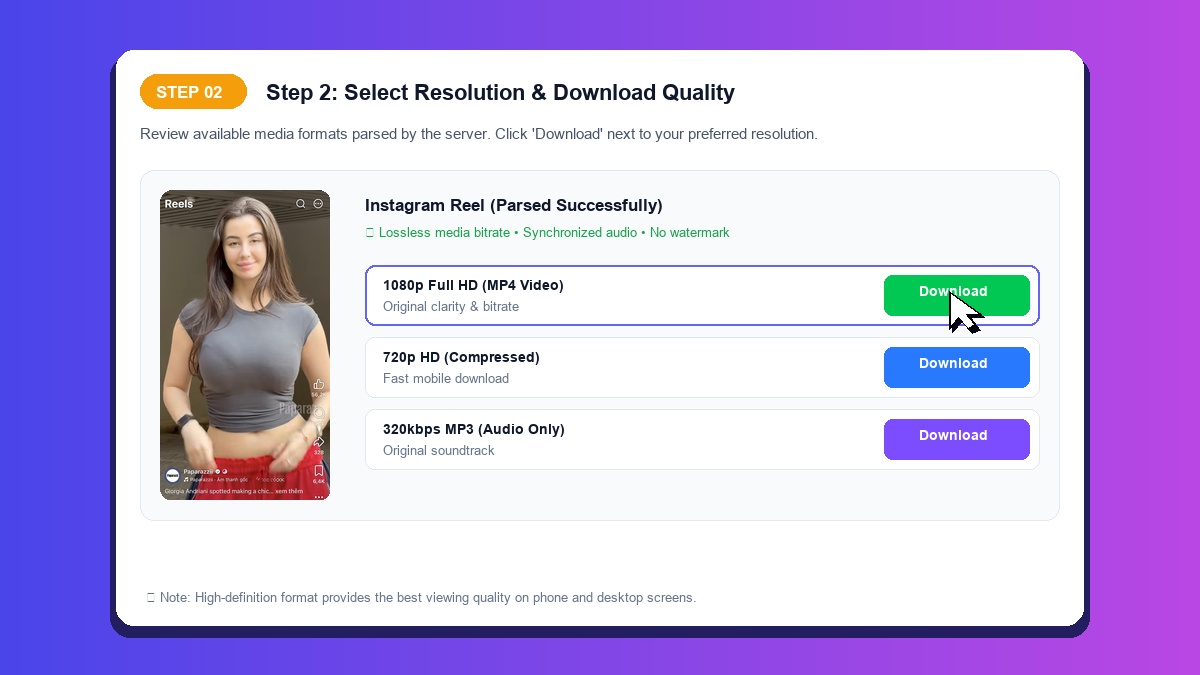
- Direct From Instagram: The file comes straight from Instagram's CDN.
- Full-Length Clips: The MP4 we tested covered the whole Reel.
- Standard 9:16 Ratio: Optimized for full-screen immersive viewing on modern smartphones.
- Browser-Based Access: No third-party app installations or permissions required.
Saving Reels on Mobile and Desktop
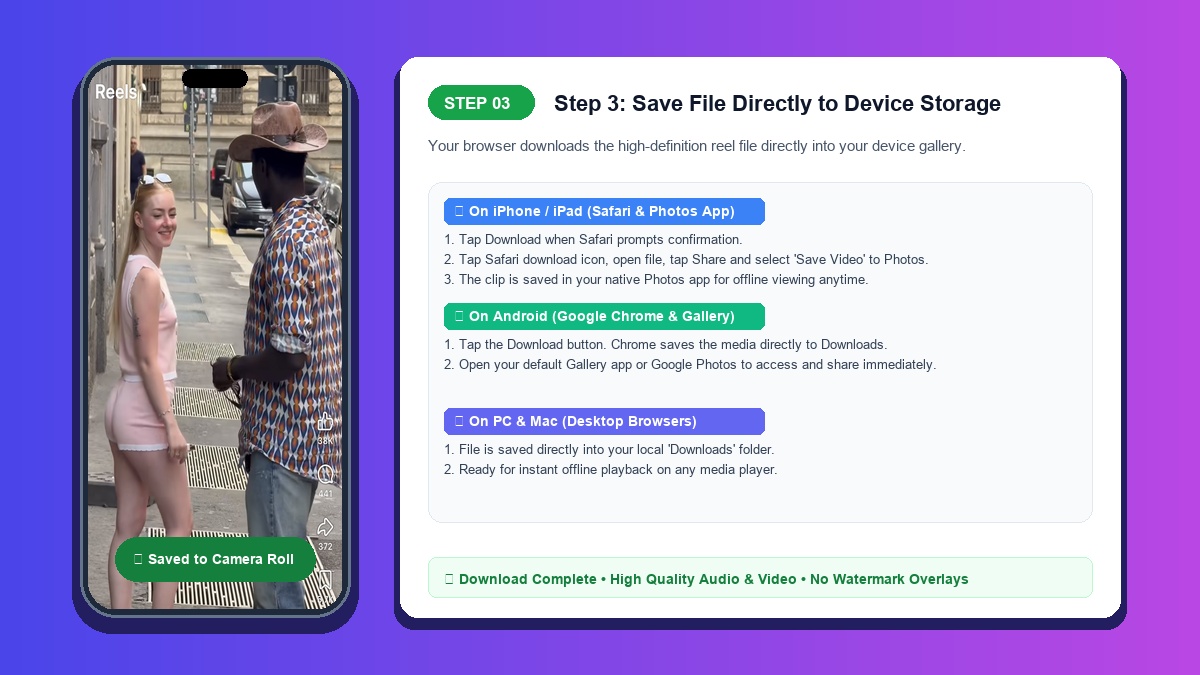
On iPhone: Paste the link and tap Download, then open the saved file and use Share to add it to Photos.
On Android: Paste the URL and tap Download. The MP4 saves wherever your browser keeps downloads.
On PC and Mac: Paste the link in your browser and click Download to store the file on your local hard drive.
Tips for Saving Trending Reels
Trending Reels are easy to lose track of once they scroll past. SSSInsta fetches the source media link directly from Instagram's servers, so the saved file is the one Instagram serves for that Reel.
Whatever the Reel is about, you get a standard MP4 file to keep for offline playback.